
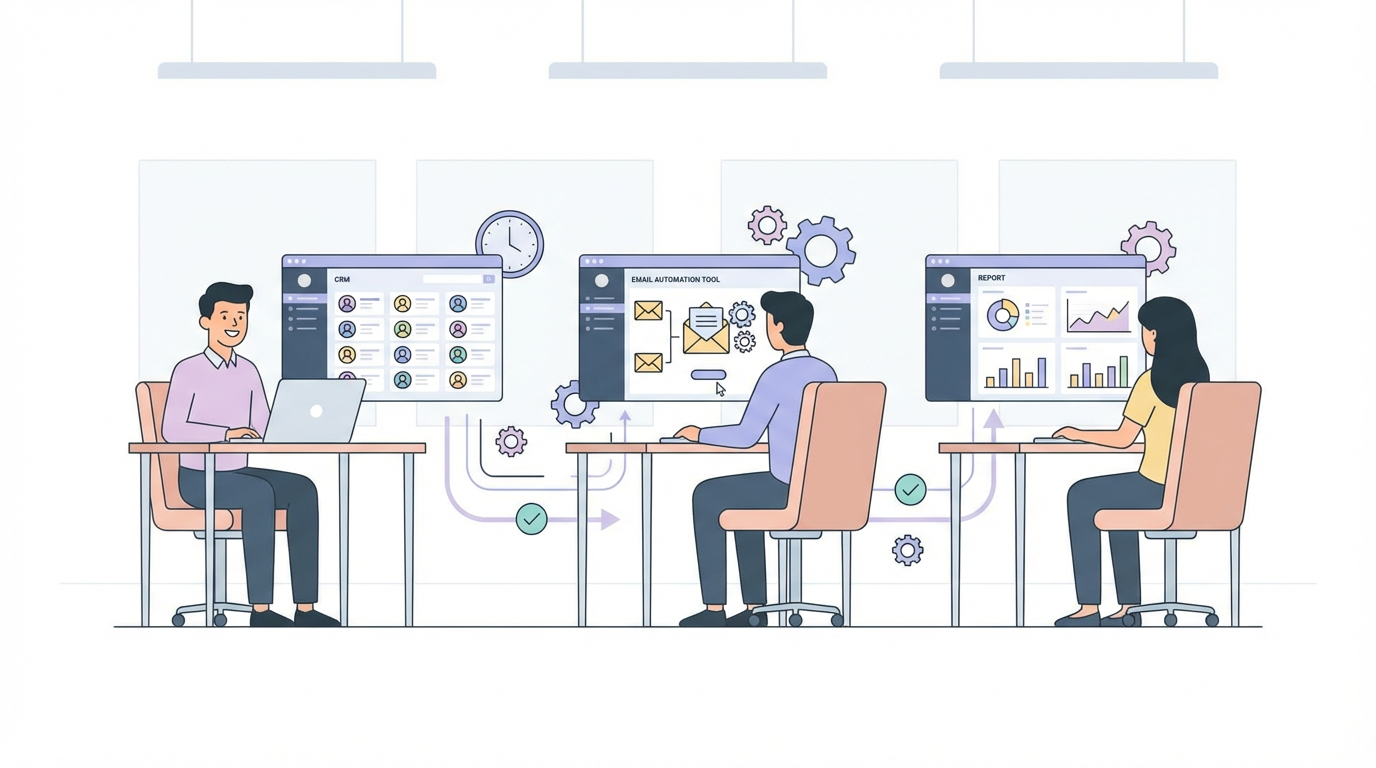
The hidden work that makes your business slow
Most businesses are slow because the team spends hours every day doing repetitive tasks which a computer could handle automatically.
You will recognise these tasks instantly:
- Copying data from one app into another.
- Sending the same type of message when a predictable thing happens.
- Pulling numbers into a weekly report.
The problem is that this is not where automation projects typically start. Instead, they go after something more 'sexy' and AI driven. So, the pattern repeats:
- A director gets excited about "automation".
- Someone suggests an AI agent that does 15 things.
- The project drags on, breaks in production, and everyone quietly gives up.
Meanwhile, the small, boring jobs keep eating time and attention every week. Nobody tracks those minutes. Nobody assigns a budget to fix them. Those are the jobs that, when automated, make the business feel twice as fast within days.
You are three automations away from feeling twice as fast
The idea is simple: almost every business is three automations away from running twice as fast. The trick is to stop chasing impressive use cases and start with high-frequency repetitive tasks in three specific categories.
- The data-mover. A person moves information from system A to system B. Think: form responses into a CRM, order details into an accounting tool, call notes into a spreadsheet.
- The fast responder. A person sends or forwards a message when a clear trigger happens. Think: follow-up emails when leads go quiet, alerts when a payment fails, Slack notifications when a ticket is tagged urgent.
- The weekly reporter. A person pulls numbers from three to five tools, pastes them into a spreadsheet or slide deck, formats them, and sends a weekly update.
Every owner underestimates how much these three cost. A "quick" Monday report turns into 2 hours every week. A "few" follow-ups become 90 minutes of manual work. Across a team, that adds up to 8–20 hours a week, every week, for years.
The key idea: high-frequency beats high-drama. An automation that saves 10 minutes, 50 times a week, is worth more than an impressive agent that runs once a month and keeps breaking.
How to find and build your three
Step 1: List every repeatable task in one week
Answer this with your team: "What did we do this week that we also did last week, and will definitely do next week?"
Make a quick list. Aim for 20–30 items. Do not worry about difficulty yet. Focus on frequency and repetition.
Step 2: Tag each task
Take your list and tag each item with one of these three labels:
- D for data-mover.
- F for fast responder.
- W for weekly reporter.
Step 3: Rank by frequency
Within each category, rank tasks by how often they happen:
- "How many times a week does this happen?"
- "How long does it take each time?"
- "What is the hourly rate of the person who does it?"
Multiply those three numbers. That gives you a rough weekly cost.
Step 4: Choose one task from each category
You now pick your three automations:
- The top data-mover by cost.
- The top fast responder by cost.
- The top weekly reporter by cost.
Those are your first three. If you do nothing else this quarter but automate those three, the business will feel different.
Step 5: Design each automation as a simple sentence
For each of the three, write one sentence in this format:
"When [trigger] happens in [tool A], [action] happens automatically in [tool B], and [person or team] gets notified in [channel]."
Examples:
- "When a lead fills in the website form in Webflow, Pipedrive creates a deal, assigns an owner, and sends a Slack message to #new-leads."
- "When a proposal moves to 'Won' in Pipedrive, Xero creates a draft invoice and emails the finance inbox."
- "Every Monday at 8am, n8n pulls data from Google Analytics, the CRM, and Stripe, calculates week-on-week changes, fills a Google Sheets template, and posts the link in Slack."
If you cannot write the automation in one sentence, the scope is too big. Split it into smaller pieces.
Step 6: Build each automation as a clean, reusable workflow
Now you build. You can do this yourself or you can get us to help. The important thing is to treat each automation as its own unit.
A good rule of thumb: four hours of build time for a high-frequency task often pays for itself in the first month, then keeps paying out every month after that.
Twice as fast
"Twice as fast" does not mean revenue doubles overnight. It means the same work takes half the time because you picked the right three workflows and stopped doing them by hand.
In most teams, those three workflows already exist: the data-mover, the fast responder, and the weekly reporter that builds the same update every Monday.
Once you automate those, time comes back first, then attention. Decisions get better because nobody is stuck in low-level admin.
If you want help finding your three, we can do it together in one call. Book a free 30-min call and we will map the three automations that will give your team the biggest time wins.